Was this helpful?
Join our Discord community to ask questions, give feedback, or suggest improvements.
Join Discord[ RELATED ]
Join our Discord community to ask questions, give feedback, or suggest improvements.
Join DiscordThe 2D viewer includes drawing tools to annotate the map during analysis. Use these keyboard shortcuts to quickly access drawing features:
These shortcuts are customizable. Learn how to change keybinds
Once drawing mode is active, use your mouse to draw and erase:
You can customize the drawing stroke thickness and colors to match your preferences.
From this menu you can adjust the line thickness and choose from a variety of colors for your annotations.
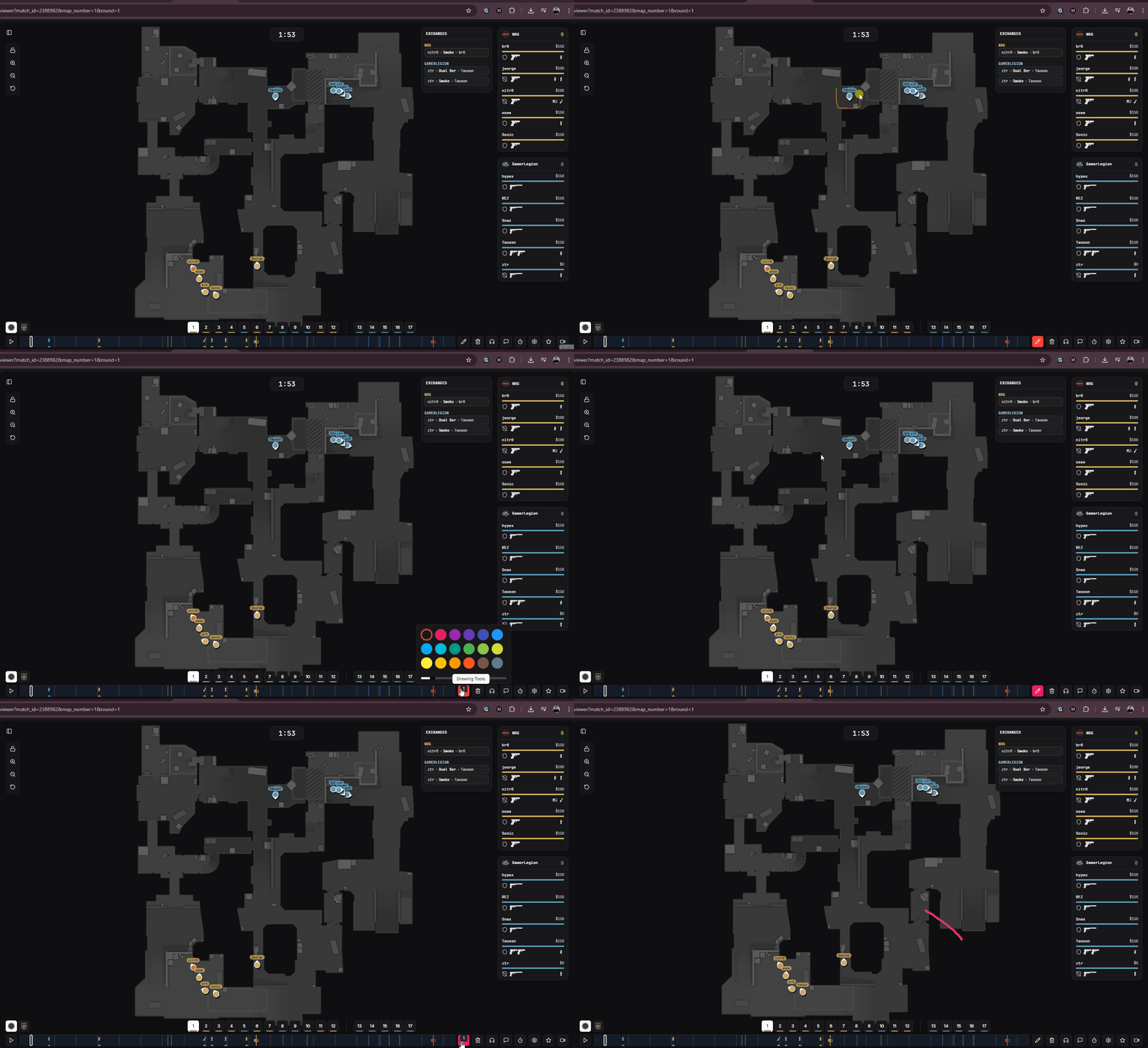
Paint tools customization and drawing demonstration