Was this helpful?
Join our Discord community to ask questions, give feedback, or suggest improvements.
Join Discord[ RELATED ]
Join our Discord community to ask questions, give feedback, or suggest improvements.
Join DiscordGrenade Mode visualizes all grenade throws across multiple rounds, allowing you to analyze utility usage patterns and find lineups.
This mode displays grenade trajectories, landing positions, and provides tools to search for patterns, copy lineup commands, and share findings with your team.
Grenade Mode uses the same powerful filter system available in the 2D viewer. You can filter by team, opponent, map, economy, round result, and many more options.
For detailed information on all available filters, see the Filters Overview
On the left side of the screen, you'll find a player selector that lets you control which players and grenades are visible. Click on any player to toggle their visibility, which also hides their grenades.
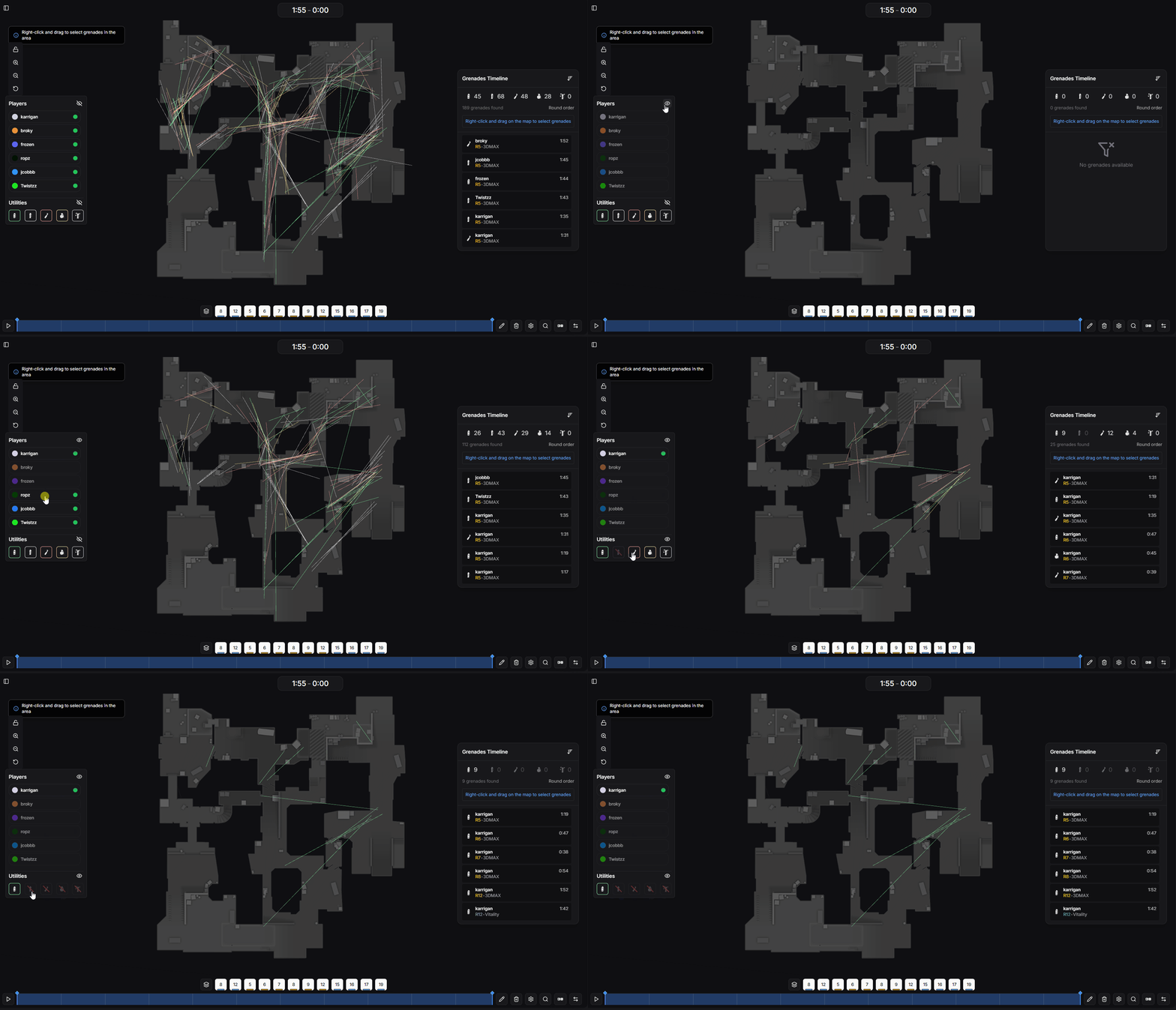
Player and grenade visibility controls
On the right side of the screen, you'll find the grenade control panel with a list of all grenades thrown across the filtered rounds.
View all grenades thrown with details about the thrower, type, and timing
Sort grenades by round number or time within the round
View grenades thrown by the opposing team to analyze their reactions and counter-utility
Hover over any grenade in the list to highlight only that grenade on the map
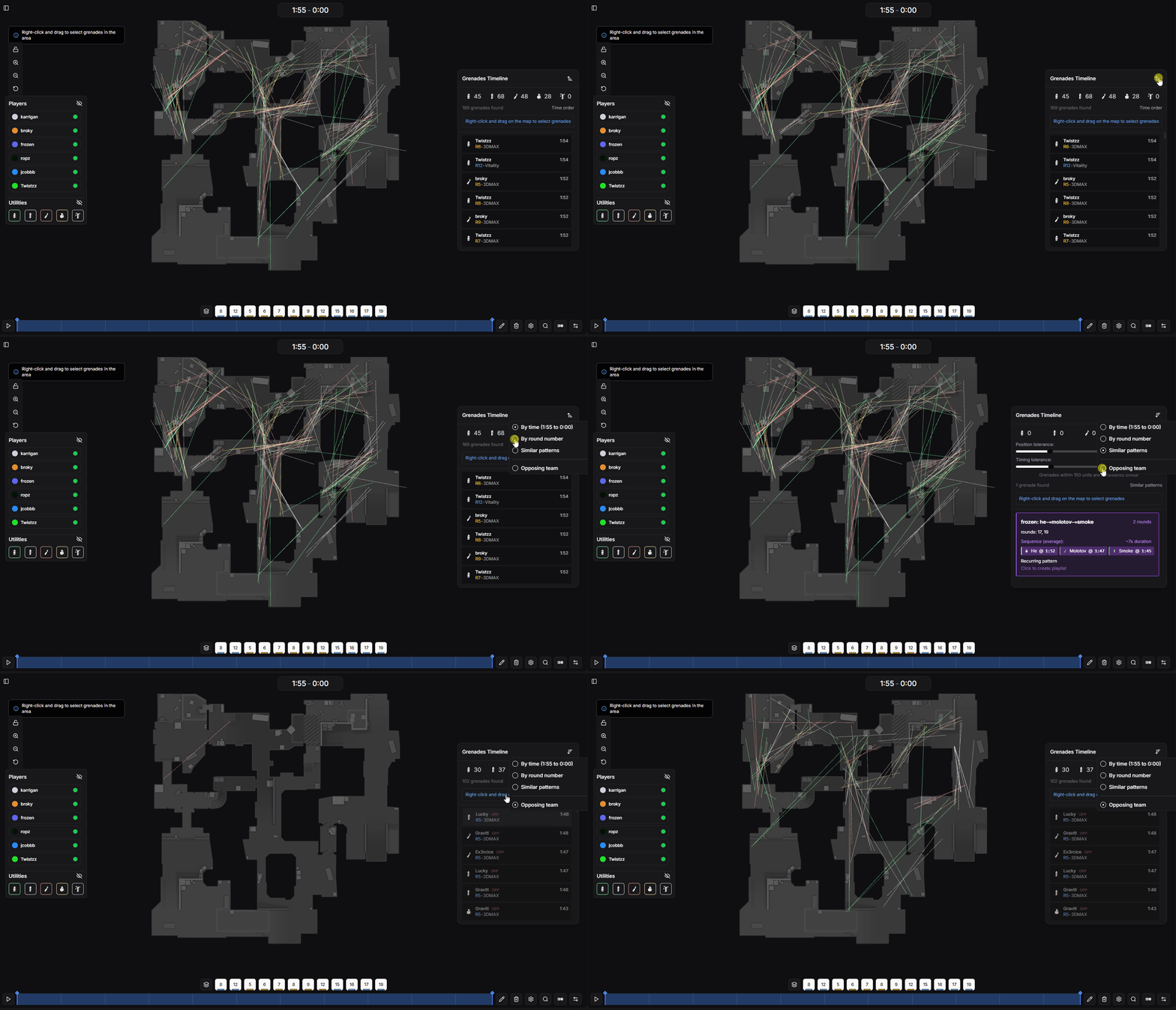
Grenade control panel with filtering options
Click on any grenade in the list to copy the console command for practicing the lineup in CS2.
setpos -2041.13 167.18 44.77; setang -36.74 47.85 0Paste this command in your CS2 console to teleport to the exact throwing position with the correct angle. This makes it easy to practice lineups you discover during analysis.
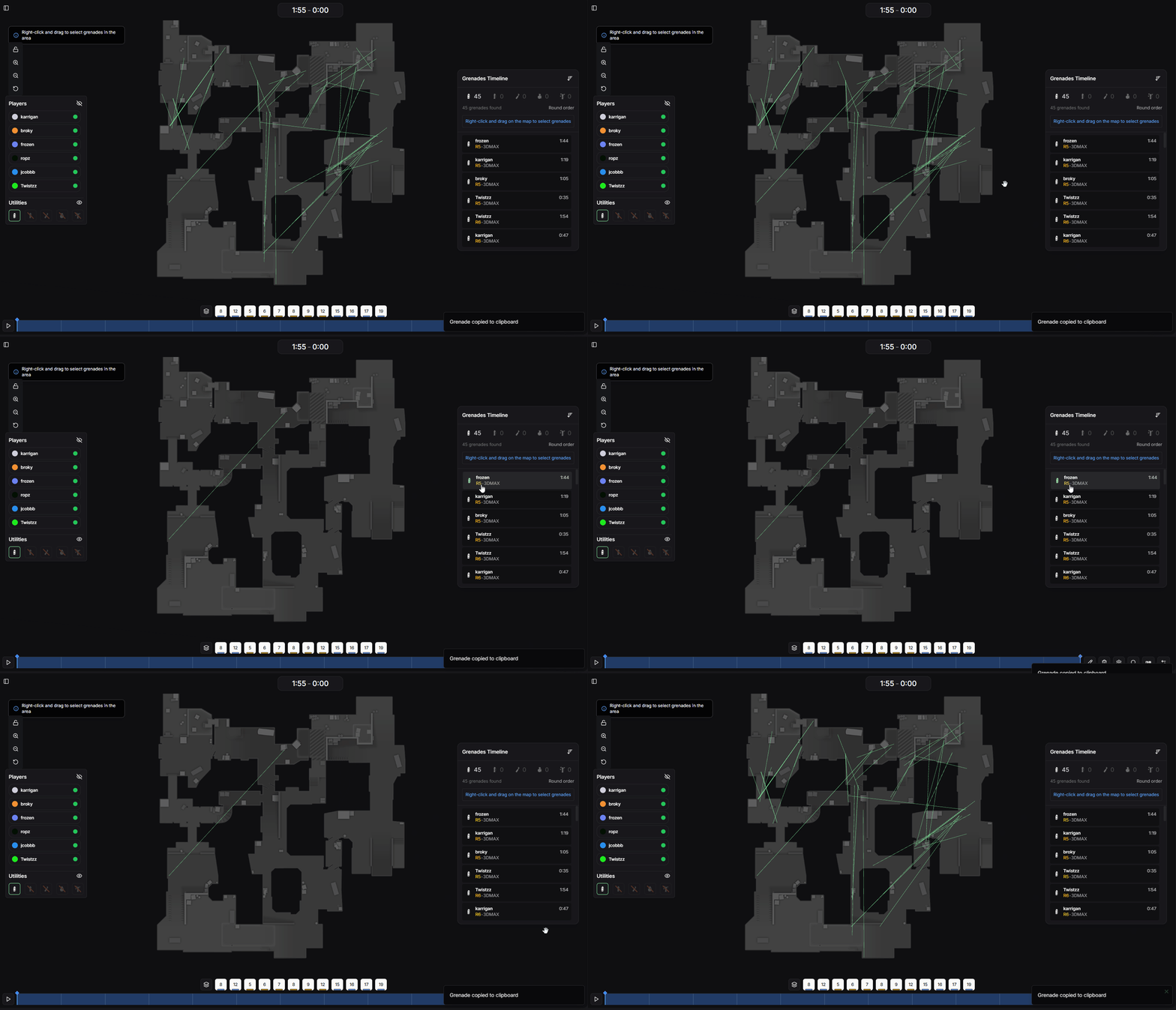
Copying setpos command for grenade lineup
Right-click and drag on the map to create a selection box around a group of grenades.
Filter the view to show only the selected grenades
The control panel will enable an option to replay the rounds where the selected grenades were thrown
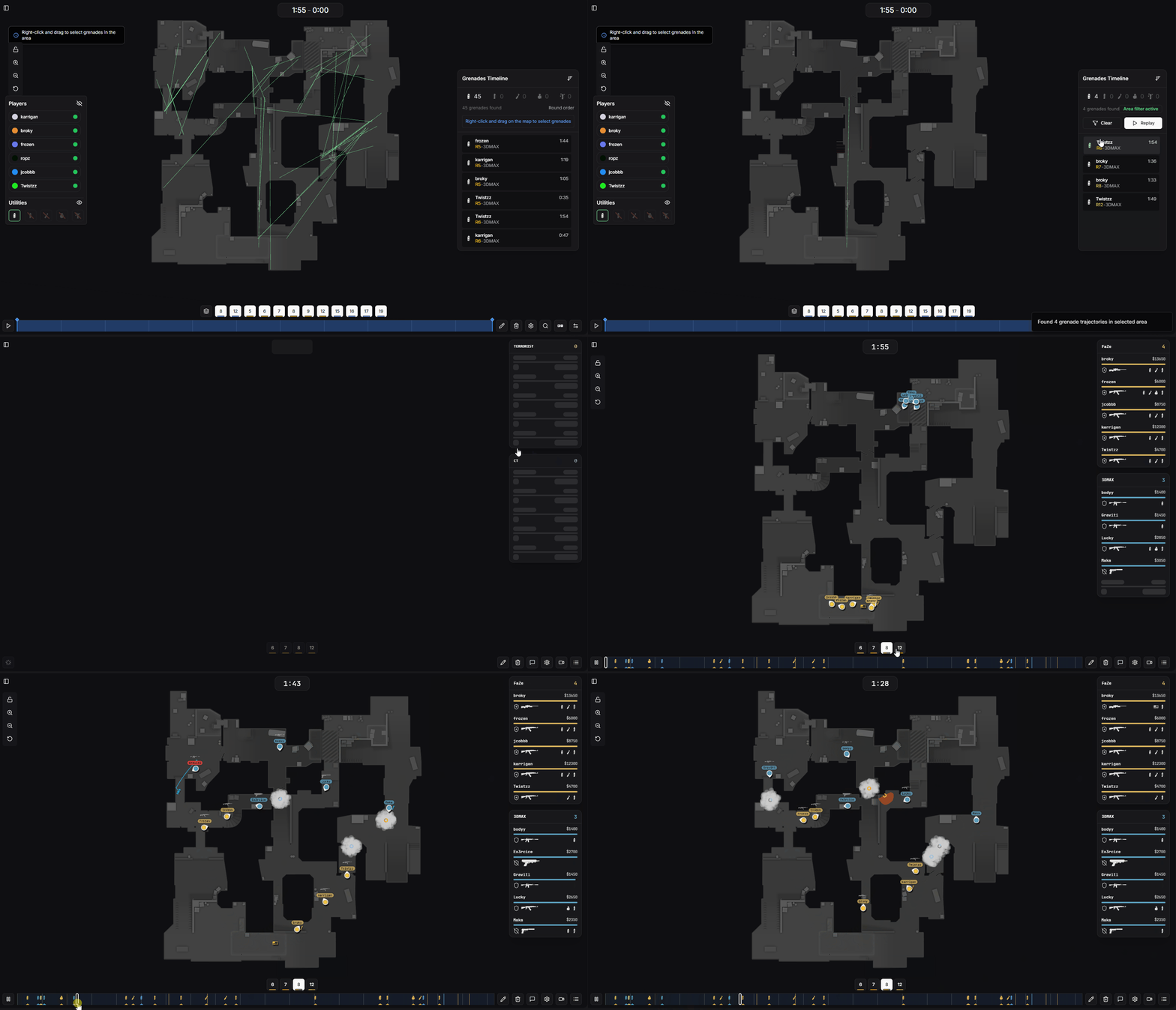
Selecting grenades on the map
Like the heatmap mode, you can adjust the time range to focus on grenades thrown during specific phases of a round. Use the dual slider to define your custom time window.
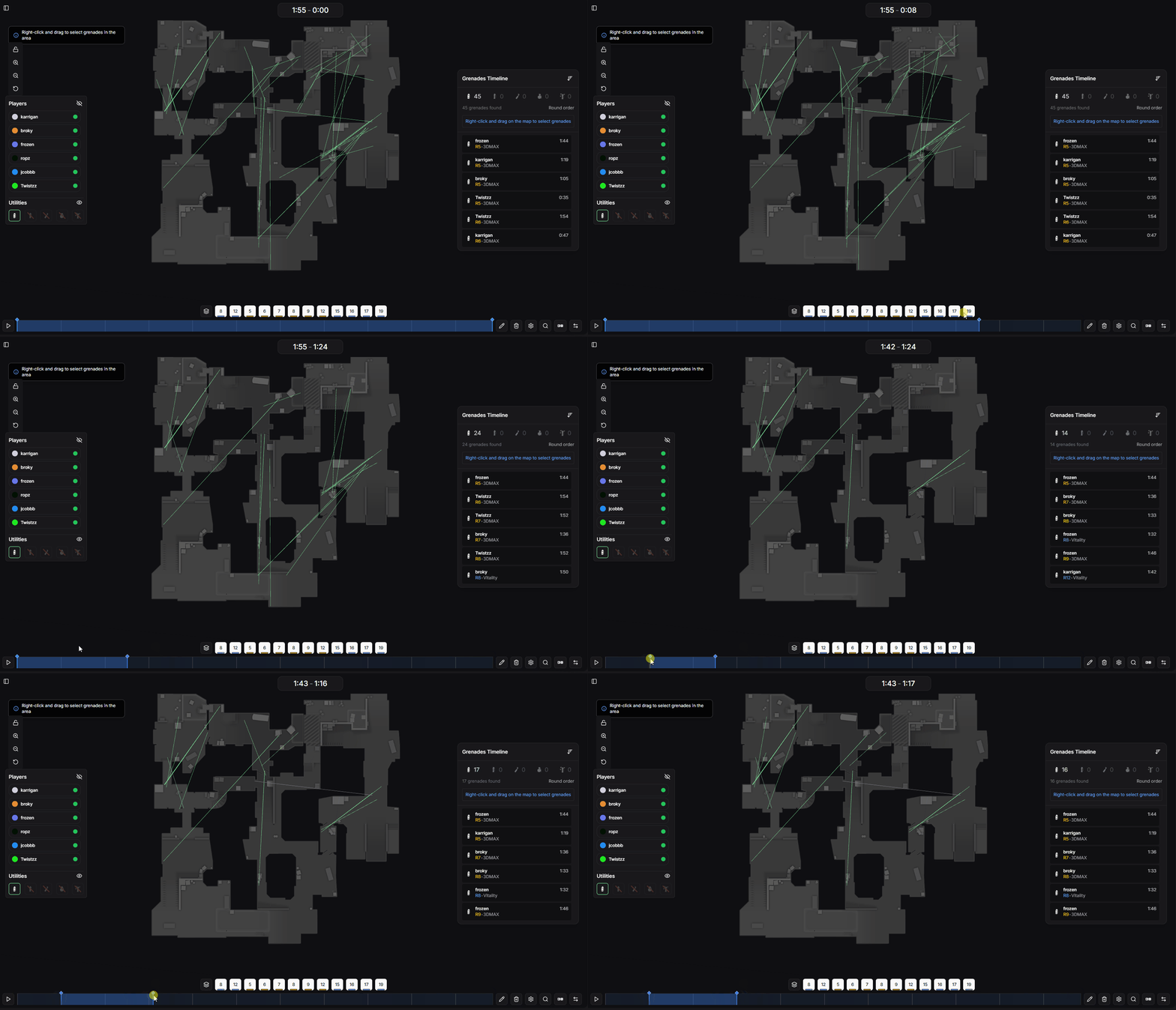
Time range mode for grenade analysis
Find similar grenade combinations that have been repeated across multiple rounds. This is useful for identifying set executes and default utility usage.
Maximum distance (in units) between grenade throw positions to be considered the same pattern. For example, 150 units
Maximum time difference (in seconds) between grenades to be considered part of the same pattern. For example, 5 seconds
Adjust these tolerances to find patterns that match your criteria. Lower values find more precise matches, while higher values find more variations of similar setups.
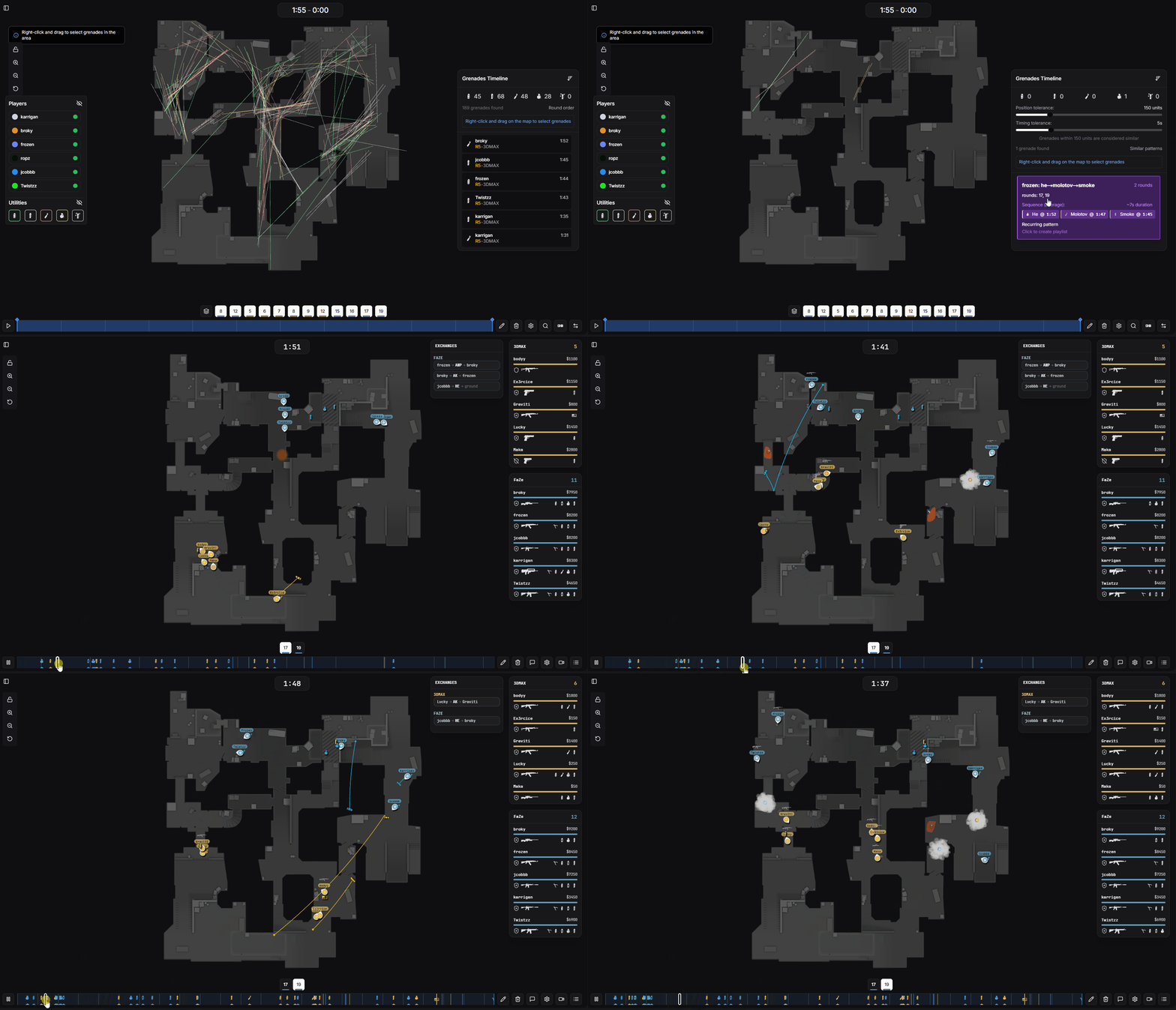
Pattern search with tolerance settings