Was this helpful?
Join our Discord community to ask questions, give feedback, or suggest improvements.
Join Discord[ RELATED ]
Join our Discord community to ask questions, give feedback, or suggest improvements.
Join DiscordMulti-round mode allows you to play back all filtered rounds simultaneously on the same map, making it easy to identify patterns and tendencies.
This mode has special features that let you focus on specific players, create selections, and navigate between different visualization modes.
Multi-round mode uses the same powerful filter system available in the 2D viewer. You can filter by team, opponent, map, economy, round result, and many more options.
For detailed information on all available filters, see the Filters Overview
On the left side of the screen, you'll find a player selector that lets you control which players and grenades are visible.
Click on any player to toggle their visibility on the map
Toggle grenade visibility to focus on player movement
When you hide a player, their grenades are automatically hidden too
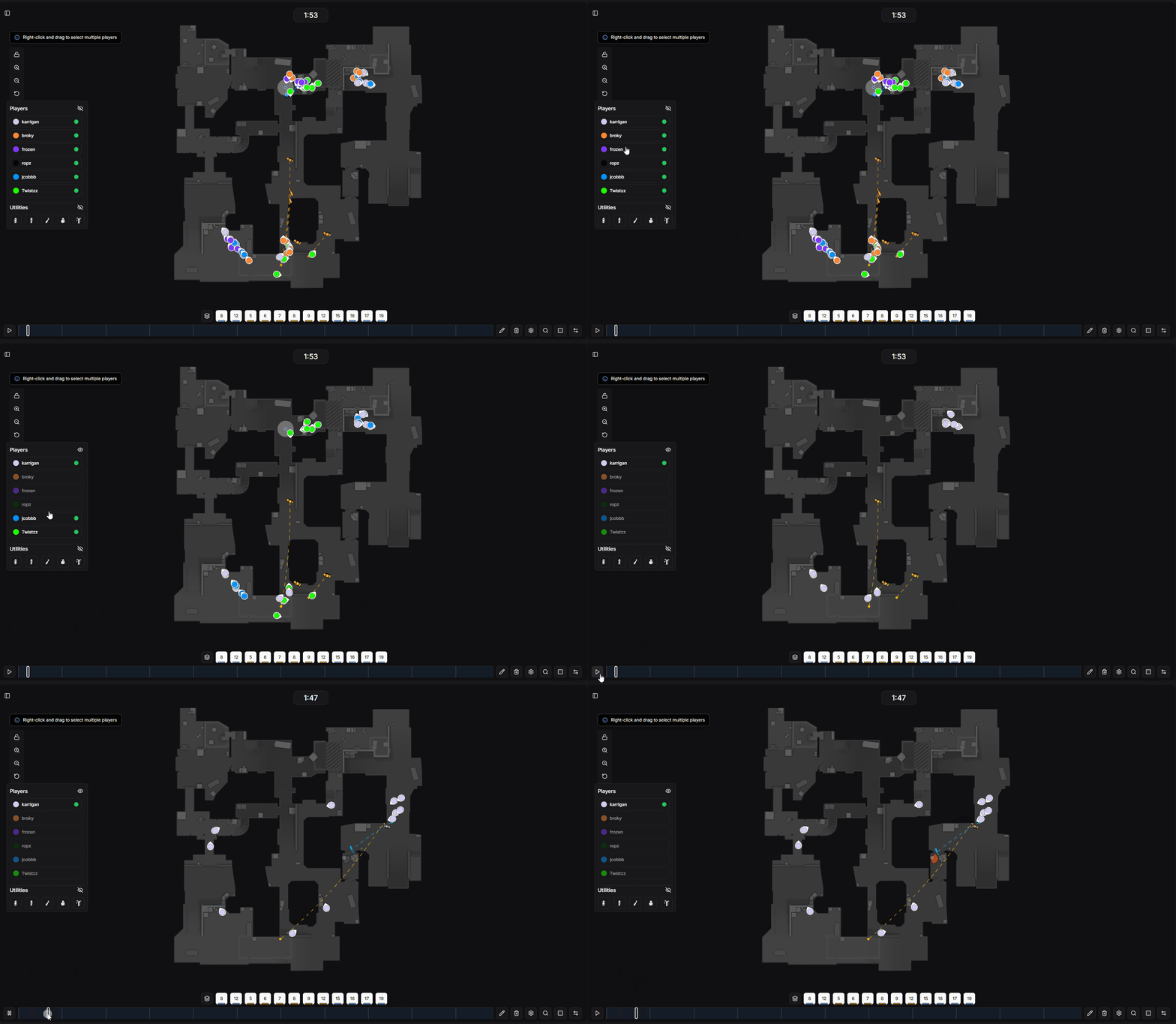
Player selection panel showing visibility controls
Right-click and drag on the map to create a selection box. This captures all players and rounds that pass through the selected area.
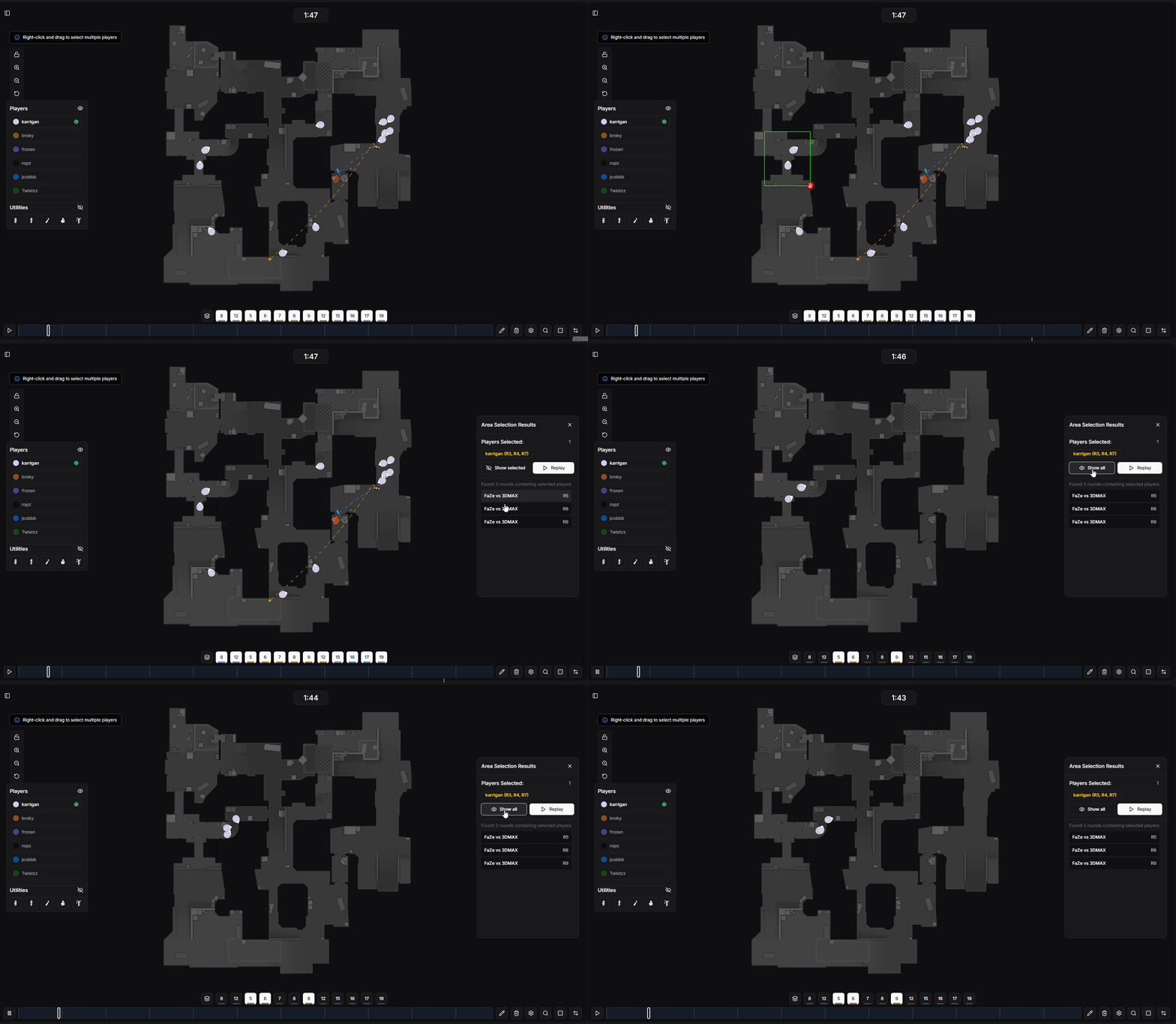
Creating a selection on the multi-round map
Filter the view to show only the selected players and rounds
See exactly which players and rounds are included in your selection
Click the replay button to view the selected rounds in a temporary playlist. You can watch each round individually from this playlist.
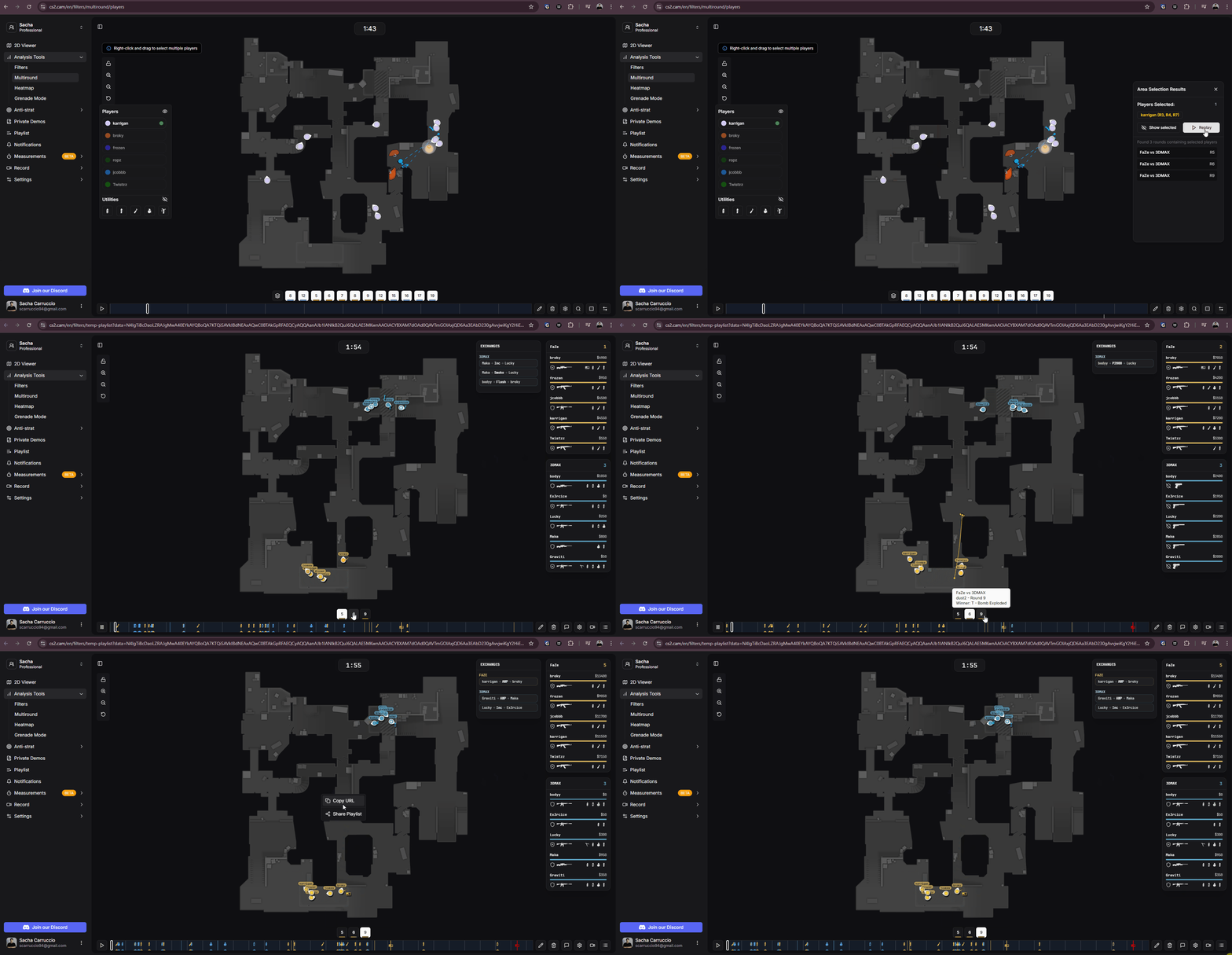
Replaying selected rounds in a temporary playlist
You can share your temporary playlist by right-clicking on the map and clicking the share playlist button. This generates a unique link that you can send to anyone, even users who are not on your team.
Fine-tune which rounds and maps are displayed in the multi-round view.
Enable or disable specific rounds from the visualization
When analyzing multiple maps, you can show or hide entire maps from the view
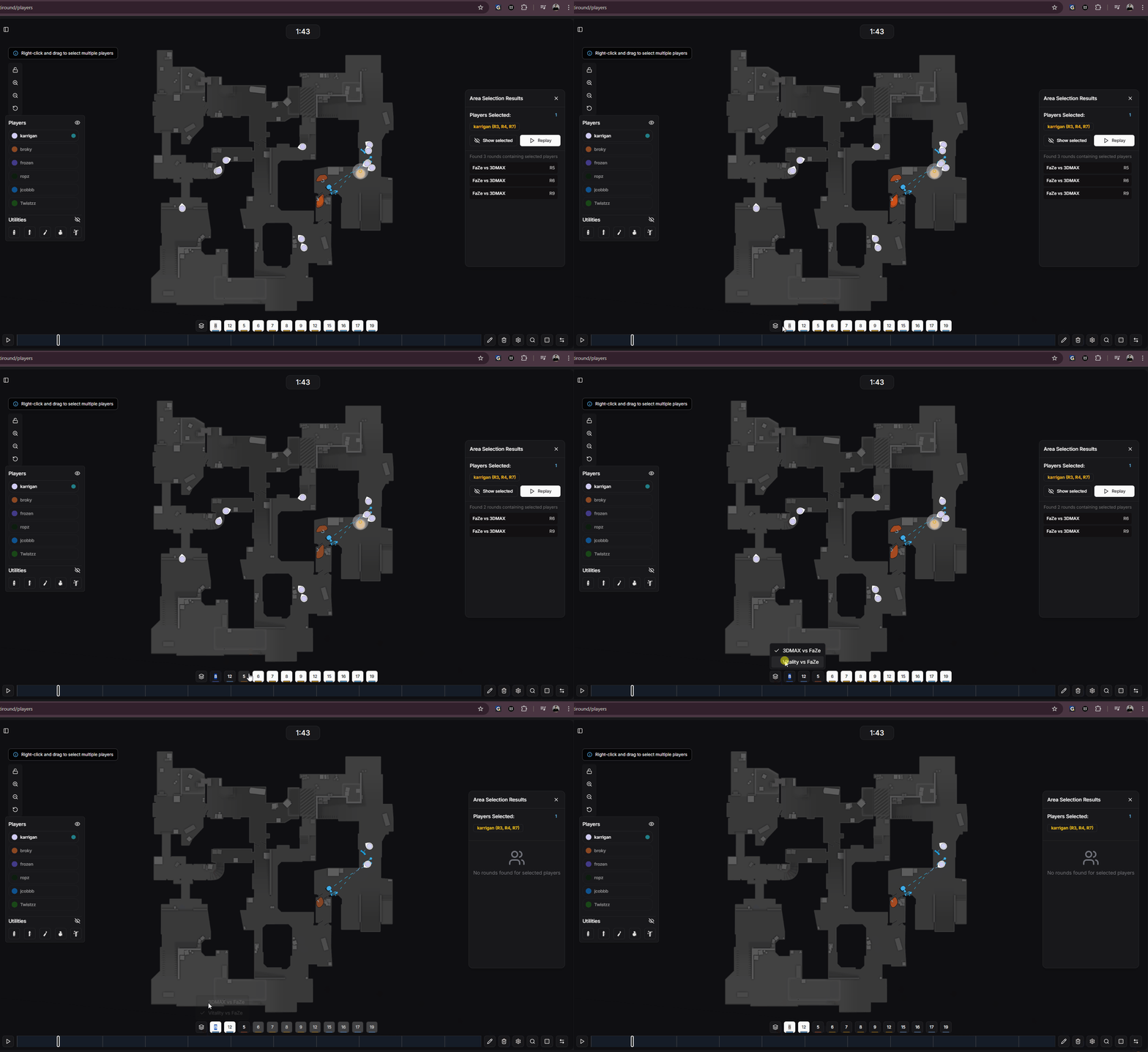
Round and map toggle controls
Navigate between different visualization modes while keeping your filters intact.
Click the double arrow button to switch back to single-round view and cycle through rounds individually
Use the button to the left of the arrows to cycle between Multi-Round overlay, Heatmap, and Grenade Mode
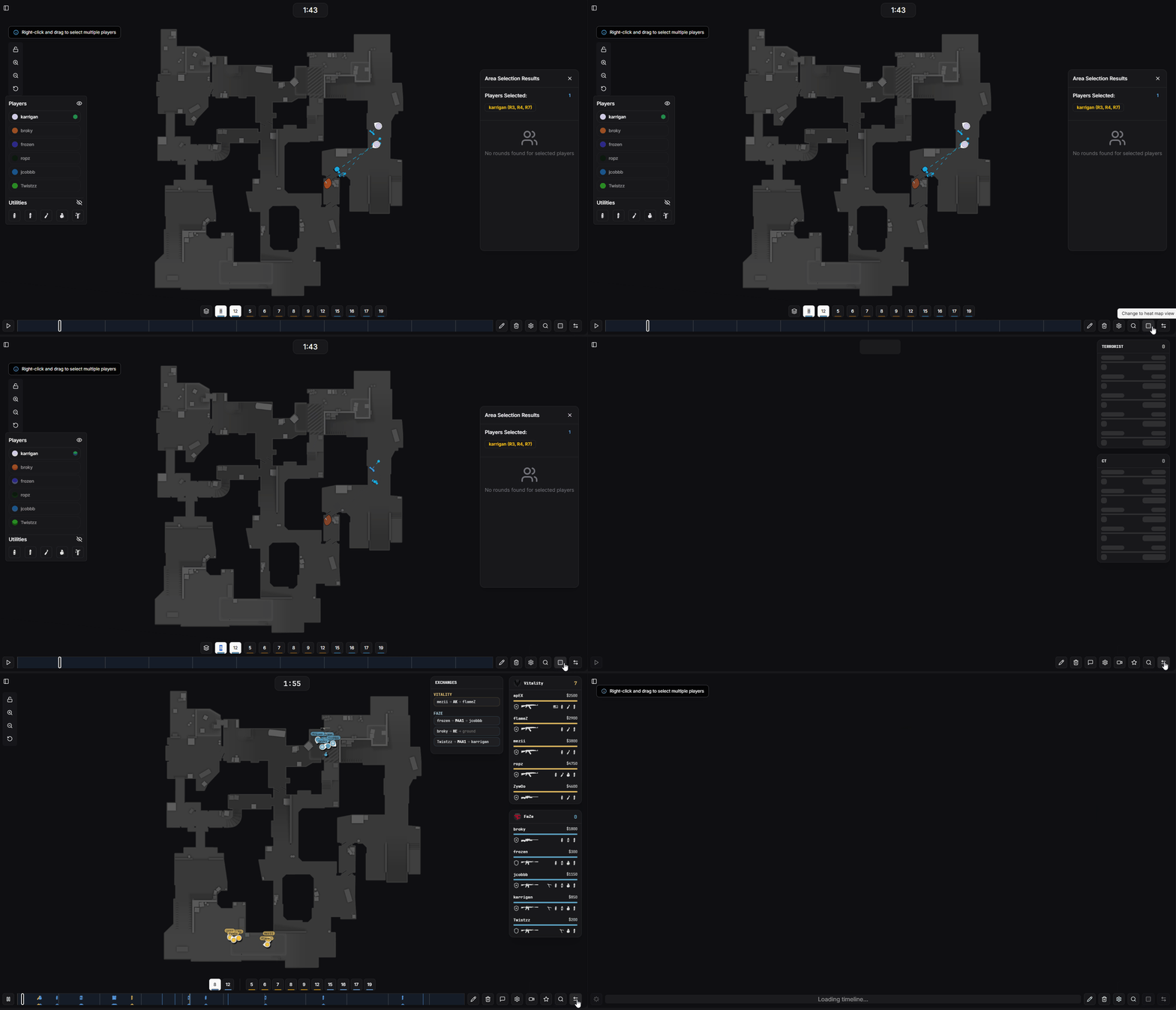
Navigation buttons for switching between modes